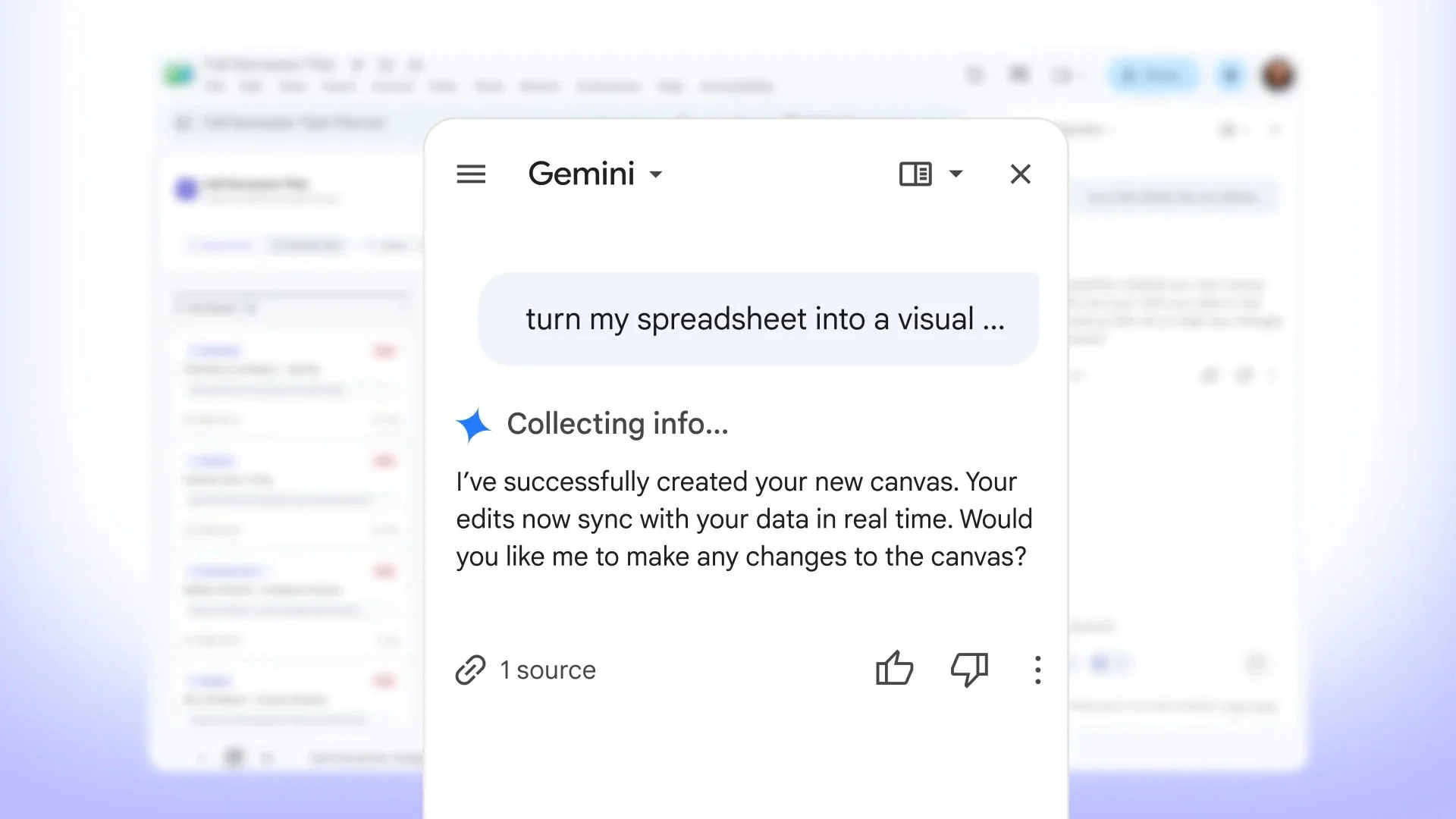
Google Sheets introduces the Canvas feature, powered by Gemini, enabling users to create interactive applications from spreadsheets without coding.
Transforming Spreadsheets with Canvas
Google Sheets is evolving, and it's not just about rows and columns anymore. The introduction of the new Canvas feature signals a shift towards interactivity, allowing users to generate engaging mini-apps directly from their spreadsheets. This advancement is thanks to Gemini's underlying technology, which facilitates a transition from static data to more dynamic presentations.
The transformation of Google Sheets through features like Canvas marks a significant moment in the spreadsheet software evolution. Historically, spreadsheets were designed primarily for data organization and numerical calculations. Though capable, they often felt limited. Enter Canvas: a feature that seemingly elevates Google Sheets beyond mere data entry, placing it in competition with more visually oriented tools like Airtable and Notion. These platforms have historically drawn users who crave interactivity, providing features that were harder to find in traditional spreadsheet environments. With Canvas, Google is making a clear statement that it's serious about keeping pace with user expectations.
Ease of Use and Real-time Sync
One of the standout aspects of this feature is its accessibility. There's no need for prior coding experience or advanced formula knowledge to utilize Canvas. Users can customize layouts, designs, and functionalities while ensuring that their interactive canvas remains synchronized with the original Google Sheet. This means any updates to the data integrate smoothly into the interactive experience.
This focus on user-friendliness can't be understated. The more simplified an interface is, the wider the adoption, especially among those who might be intimidated by traditional programming or complex formulas. Just think about it: You can create dashboards or visualizations without diving into JavaScript or HTML. This is a clear nod to the increasing democratization of tech tools, where everyday users can create robust applications with ease. Yet, while it opens doors for many, it might also raise questions about the depth of functionality. More complexity could require more advanced features down the line, which might leave novice users scrambling.
Moreover, the real-time synchronization feature underscores an essential requirement of modern spreadsheet users—data accuracy. When you can seamlessly connect visual elements back to a single source of truth in your spreadsheets, you greatly reduce the risk of errors. Imagine collaborating with multiple stakeholders: Updates on the main sheet instantly reflect on all linked canvases. This type of integration not only saves time but also improves decision-making by ensuring everyone has access to the latest information.
A Fresh Look for Google Sheets
Accompanying the Canvas rollout is a new aesthetics shift with the Sheets icon, reflecting Google’s commitment to keep its tools modern and user-friendly. This enhances the overall user experience, as it visually aligns with the innovative features that Sheets now offers.
Design plays a critical role in user engagement. A refreshed icon isn't just about style; it signals a broader commitment to ongoing development. Google's decision to update the Sheets icon could be a strategic attempt to reposition the application in users' minds as a dynamic, evolving tool that's in touch with current design trends. If you're the type of user who appreciates a clean interface, this can significantly affect your productivity and comfort level while using the tool. But there’s something else at play here: You can’t overlook the psychology of users when it comes to software. A sleek design can often inspire confidence in software capabilities.
This is the part most people overlook: the impact aesthetics have on usability. When a tool looks modern, it’s easier to associate it with being feature-rich and capable. This impression can encourage users to explore the tool's capabilities more fully, potentially unlocking functionalities they might have ignored otherwise. That said, a fresh coat of paint only goes so far if the underlying technology isn’t equally impressive. While Google Sheets has made strides with Canvas, future updates will be crucial in retaining user interest.
Implications for the Future
Canvas isn't merely about making Google Sheets prettier or more interactive; it's indicative of a larger trend in software design. As users increasingly demand a blend of accessibility and power, software solutions must evolve. This growing expectation reflects broader shifts in work culture, where the line between data management and interactive tool creation blurs. The implications are clear: Google Sheets could become a primary tool for many users looking for both data organization and usability.
However, this shift poses challenges too. When you make spreadsheets akin to mini-apps, you raise user expectations for performance and functionality. Users will likely expect features like enhanced security, advanced analytics, and even integrations with other applications. If Google can keep pace with these expectations, they’ll solidify Google Sheets as a staple in many organizations. But if they falter, users may begin to look elsewhere.
For those working in this space, the introduction of Canvas might mean adopting a mindset where users are more proactive in visualizing data and creating specialized applications. It’ll be essential for teams to adapt quickly, learning how to harness the increased functionality while ensuring tech literacy remains high. As Google continues to innovate, others will undoubtedly follow. The future for spreadsheet applications may not just be about numbers; it'll hinge on how effectively they can transform data into interactive experiences.
Discussion
Sign in to join the discussion.